




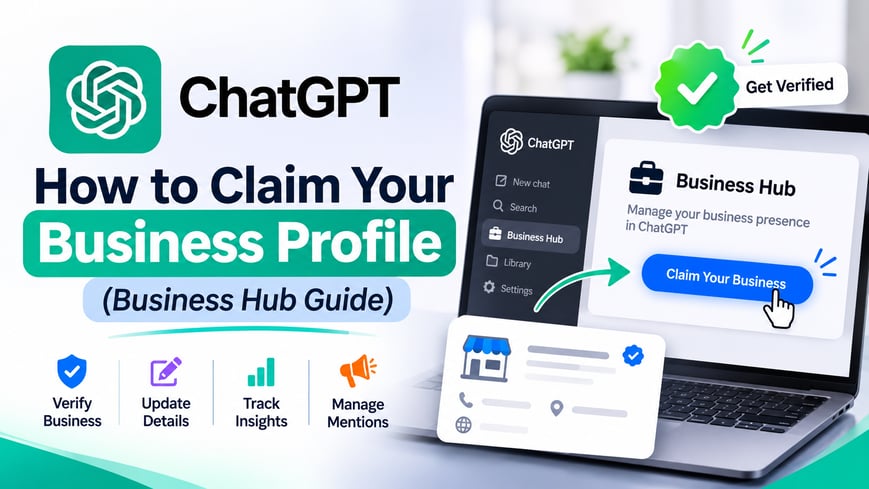
How to Claim Your ChatGPT Business Profile (Business Hub Guide)
On November 10, 2026, OpenAI launched a beta that allows businesses to manage their presence within the chatbot. Ever wondered where ChatGPT is getting its information on a company? This is the solution. With a verified ChatGPT business profile, you can correct details, view engagement count and, in some instances, product data. This guide explains how to claim business on ChatGPT, the process involved, and what happens after that.
Managing your business visibility across AI platforms is becoming an important part of digital marketing, alongside traditional SEO services that help businesses improve their online presence.
What Is a ChatGPT Business Profile?
Businesses in ChatGPT is the name of OpenAI’s beta program. The profile can show up even if you haven't touched it, and is the page that ChatGPT creates about a company. Saying it makes you feel like you're in control. After approval, you may:
- Update business name, business description and contact information.
- Ensure hours, policies and key facts are up to date.
- Connect a product feed, if your business is eligible.
- Examine insights on how ChatGPT can be revealed.
Claiming is free. No ads account or enterprise agreement is necessary.
Who Can Claim a Profile?
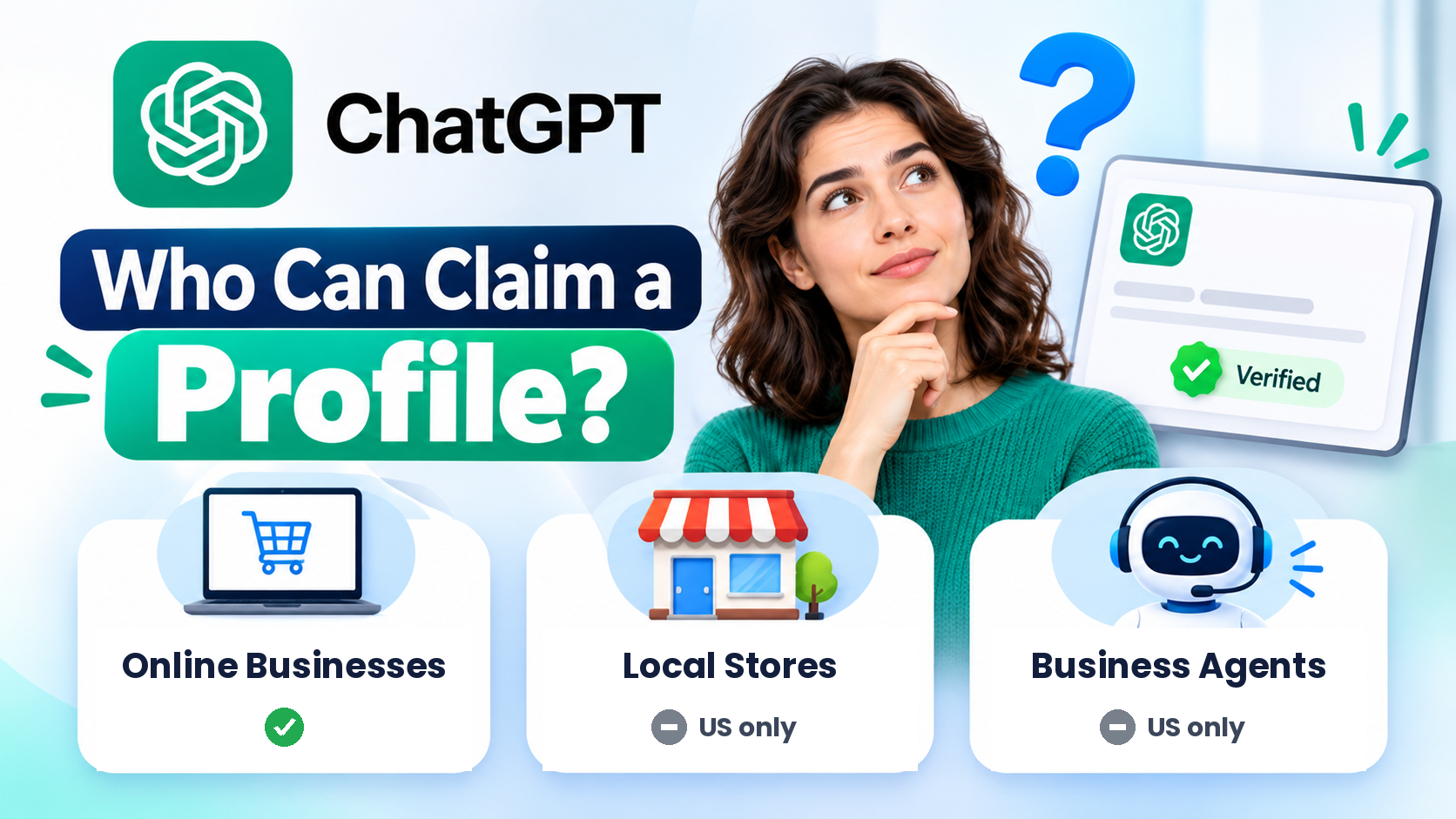
A profile can be claimed by the owner of the business or an authorized representative. The beta will be open to eligible businesses in markets where ChatGPT is available, although some features will be limited during the beta:
- Online businesses and online services: You can claim an existing profile or, in most cases create a new one.
- Local stores and restaurants: You can only claim an existing U.S. listing at this time
- Business Agents: the AI assistants that answer customer questions are U.S.-only for now
OpenAI aims to venture into more markets and categories in the future.
What to Prepare Before You Start
- An account that your company manages, not one that you own personally
- Access to your business phone, business email or website DNS settings.
- A government ID used for the identification check
- Shopify admin access, if you own a Shopify store.
How to Claim Business on ChatGPT, Step by Step
- Open Business Hub: Sign in to ChatGPT on the web and open Business Hub from the sidebar.
- Find Your Business: Search for your company name and select the matching listing.
- Start the Claim: Confirm the ChatGPT account you want to use to manage the business.
- Verify Business Ownership: Choose one of the available verification methods, such as business phone, business email, website domain or Shopify.
- Wait for Approval: OpenAI reviews the claim and sends an email with its decision or a request for additional information.
- Complete Persona Verification: Once the claim is approved, complete identity verification with Persona.
- Manage Your Profile: After Persona approval, update your business information, access insights and use other eligible features.
Verification Methods at a Glance
|
Method |
What you need |
Suitable for |
|
Business Phone |
SMS or automated call verification |
Businesses with an accessible phone number |
|
Business Email |
Verification code sent to business email |
Businesses with an associated company email |
|
Website Domain |
DNS TXT record |
Businesses with domain access |
|
Shopify |
Shopify store connection |
Eligible Shopify merchants |
The methods you see are based on your listing type. If you're choosing to call, make it during business hours so that an auto-responder isn't blocking the code.
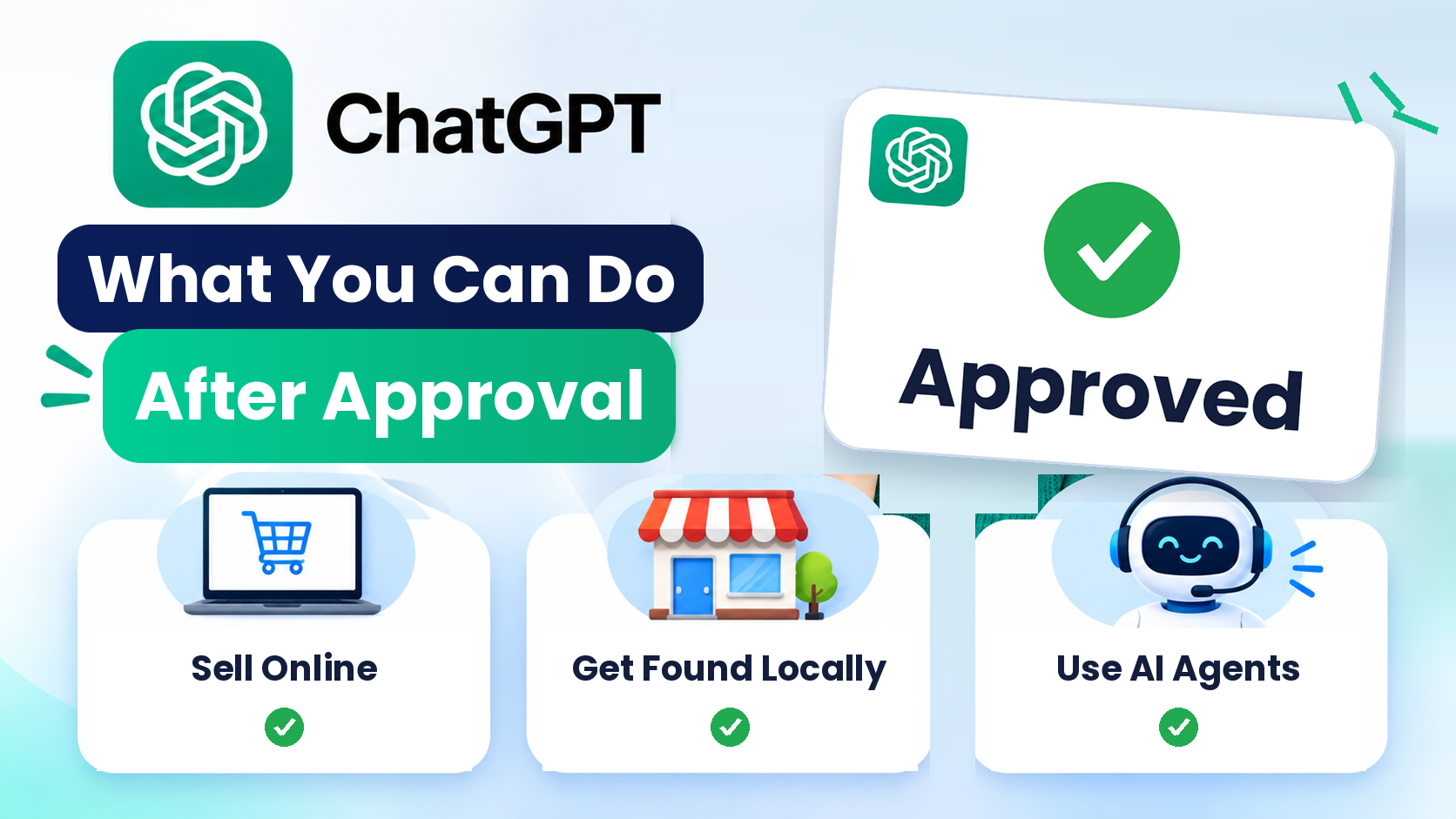
What You Can Do After Approval
The useable part is unlocked when you get approval. For the hub, there is a 28-day overview with business mentions, profile views and website clicks. This provides you with an idea of how often ChatGPT refers to you, and whether people click through to your website.
- Edit your information so answers about you stay accurate.
- Connect a product feed to share catalog details (this does not guarantee placement)
- Set up a Business Agent, if you’re eligible, to answer customer questions.
It's important to update chatbot business listings regularly, and to make sure they are accurate, as this allows ChatGPT to have more facts to work with.
Along with monitoring business mentions on ChatGPT, companies should manage their online reputation to build customer trust and maintain a positive brand image through effective online reputation management.
How to List Business on ChatGPT When You Are Not Found
There are times when your company will not show up in search. You might find an opportunity to add your eligible online business, and then proceed with the same process for ownership and ID. This is not available for local stores and restaurants yet and can only be done for an existing U.S. listing. If it's already claimed by another person, select “Dispute ownership” on the profile using the three dots. You'll be taking part in an ID assessment to verify that you're authorized.
Tips for a Smooth Claim
- Before you list business on ChatGPT, ensure your website, phone and email are consistent throughout the internet.
- Use a role-based company account; this means access will remain when staff changes.
- Check your ChatGPT business listings after it has been approved because information may get lost.
- Be patient, as it takes time to see results. Approval and identification are time-consuming.
Final Thoughts
Claiming your ChatGPT business profile is a small, free task that shields just how millions of individuals see your business. Fact is, many people look to AI assistants for recommendations before they look anywhere else, so the facts that ChatGPT displays about you will count. Collect documents, carry out the steps listed above and check the profile again as the beta proceeds. The more quickly you can get in control, the less you're leaving to chance.