

.svg)
.svg)





HubSpot Salesforce Integration: Benefits, Process & Guide
Sales and marketing teams typically use different platforms with respect to customer information, leads, campaigns, and sales activities. Once these systems are separated, groups can waste precious time manually updating records and data inconsistencies can arise.
HubSpot Salesforce integration brings together two supercharged CRMs and streamlines the flow of customer and sales data. Relevant data can be synced, repetitive tasks eliminated, and marketing and sales working more effectively together.
Defining the HubSpot Salesforce Integration
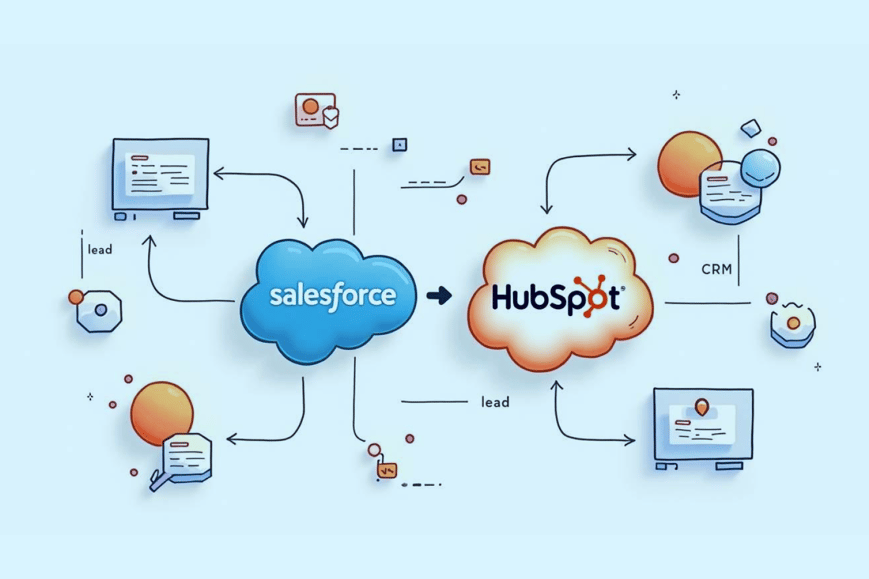
HubSpot Salesforce integration integrates HubSpot CRM with Salesforce CRM to enable businesses to share relevant data between these two platforms.
HubSpot is frequently employed in marketing automation, lead nurturing, content and customer engagement, and Salesforce for opportunities, sales, accounts and customer relationship management.
Businesses can enable teams to use the best tool for the job with Salesforce HubSpot integration, maintaining a unified view of vital customer data.
Why Connect HubSpot and Salesforce?
Being limited to using HubSpot and Salesforce alone can cause teams to be out of sync with each other. Linking both platforms can help provide a more seamless customer experience and boost efficiencies.
Connect Sales and Marketing
Sales teams can work with leads, accounts, and opportunities in Salesforce and marketing teams can nurture leads and manage marketing campaigns in HubSpot.
Reduce Manual Data Entry
By automating the synchronization process, time and human error are reduced when customer information from customers has to be entered or copied in different platforms.
Improve Lead Management
Lead information can be shared throughout marketing and sales according to specific rules. The sales representatives will be able to get a better idea of what to say to their prospects.
Maintain Consistent Customer Data
Selected records can be synced to help multiple teams collaborate with the same information for contacts, companies and customers.
Automate Business Processes
Customer or sales data changes can trigger actions such as lead assignments, notifications, record updates, and more, in workflows.
What Data Can Be Synchronized?
Information synced is based on business needs, field mapping and integration configuration.
Contacts and Leads
Contact and lead data can be synced to ensure that prospect records are consistent and minimize duplicate data entry.
Companies and Accounts
HubSpot company data can be synced with Salesforce account data, providing businesses with relevant details.
Deals and Opportunities
Data from Sales can be integrated into other systems to monitor the process of engagement to opportunity to conversion.
Activities
Teams working on both platforms can get more context from relevant interactions with customers and sales activity.
Custom Fields
When businesses don't have sufficient data mapping for their needs, they can map selected custom properties.
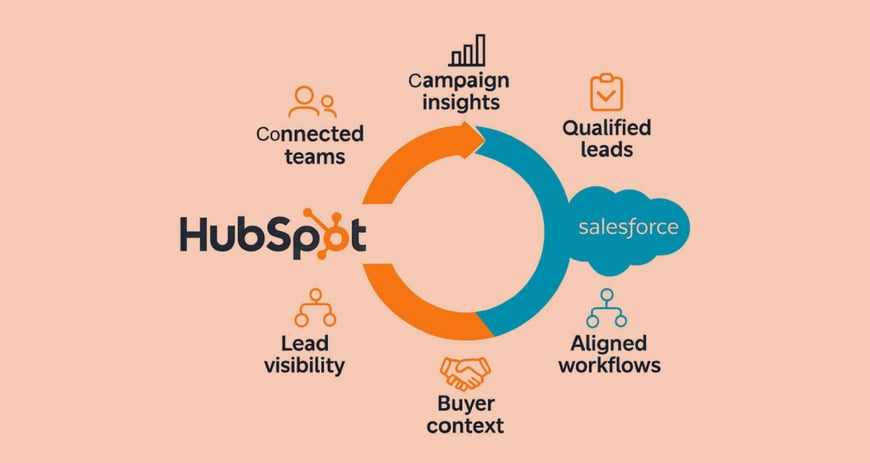
Benefits of HubSpot Salesforce Integration
Improve Data Accuracy
Automated sync can minimise inaccuracies associated with the manual input and/or updating of customer information across various systems.
Save Time
Less time spent on duplicate records and transfer of information, more time spent on customers and revenue generation activities.
Improve Lead Handoffs
The more context that sales reps have when qualified prospects are in the purchase process, the better.
Increase Sales Visibility
When marketing is paired with sales data, businesses can see how prospects are interacting with marketing campaigns before they become an opportunity or Customer.
Automate Repetitive Tasks
Workflows can be used to automate repetitive tasks like record updates, notifications, lead assignments, and more.
Create a Better Customer Experience
Having customer information shared amongst teams allows businesses to deliver more relevant, consistent and timely communication.
Common Integration Use Cases
Lead-to-Sales Automation
HubSpot can sync specific information related to a prospect to Salesforce for sales follow-up when they qualify for a specific set of information.
Contact Synchronization
Contact details can be synced across platforms to ensure marketing and sales teams have a single version of the truth with regard to customers.
Marketing-to-Sales Handoff
Sales teams can work with qualified opportunities in Salesforce, and marketing teams can nurture prospects in HubSpot.
Deal and Opportunity Management
Integrating HubSpot deals with Salesforce opportunities offers a greater view of the sales pipeline.
Reporting and Analytics
Marketing and sales data is linked, so that organizations can know how marketing activities impact sales and how much revenue it generates.
Challenges to Consider
Data Mapping
HubSpot and Salesforce have different data structures. It is important to map the fields to ensure that the information goes to the right place in records.
Duplicate Records
To minimize duplicates with contacts, companies, leads, or accounts, companies should set up matching and deduplication rules.
Data Ownership
Teams should decide which is the main source of information for each of the pieces of information. This will prevent updates from conflicting with each other.
Workflow Conflicts
To avoid taking unnecessary actions or unwanted updates, existing workflows and automation should be reviewed prior to implementation.
Custom Requirements
Basic integration might not be enough for complex sales processes, which may necessitate custom fields, advanced workflows, middleware or API-based development.
How Does HubSpot Salesforce Integration Work?
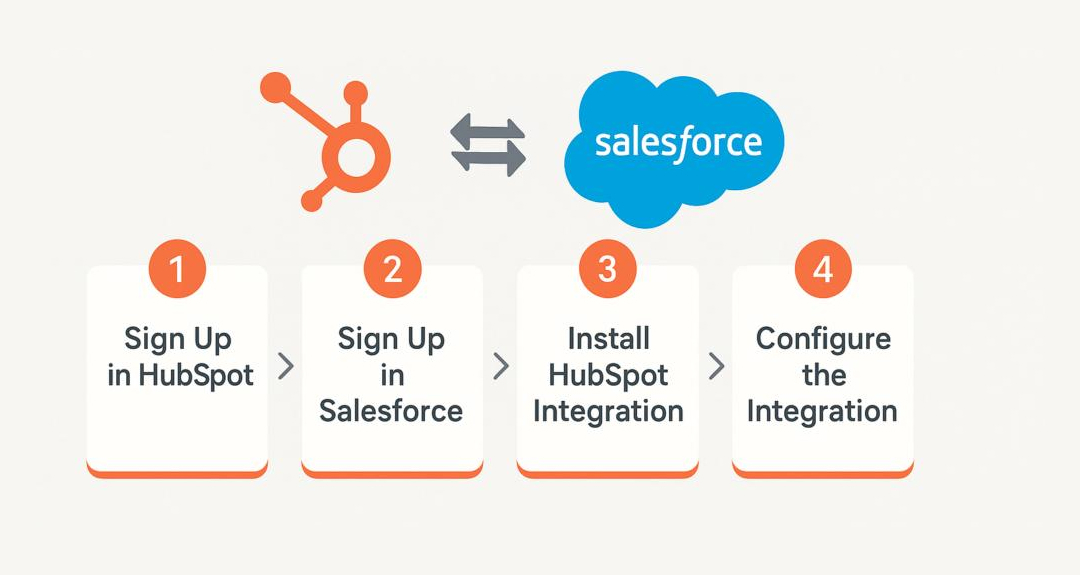
Typically, a successful HubSpot integration with Salesforce is as follows:
1. Discovery: Comprehend the sales, marketing and customer service processes and CRM.
2. Data Mapping: Find records and fields that require synchronization.
3. Integration Setup: Set up the connection and set up the rules of synchronization.
4. Workflow Configuration: Set up automation, triggers, conditions and lead handoffs.
5. Testing: Test record synchronization, field mapping, workflows and duplicate prevention.
6. Deployment: Deploy the integration once it has been tested and validated successfully.
7. Monitoring: Keep track of synchronization and optimize processes according to business needs.
HubSpot has an official Salesforce integration to connect with records and synchronize relevant information. There is a need for further customisation or API development for advanced requirements.
Is HubSpot Salesforce Integration Worth It?
If you're a company that relies on HubSpot for marketing and Salesforce for sales or CRM, then HubSpot Salesforce integration can be a game-changer for your operations.
The most important part is when the customer journey is connected. Marketing teams can see what prospects have interacted with and sales teams can receive pertinent information when they contact prospects and customers.
By carefully designing the synchronization rules and workflows, businesses can minimize manual tasks, increase visibility, and make their sales and marketing more efficient.
Why Choose StarkEdge?
StarkEdge offers HubSpot Salesforce integration services that enable businesses to connect HubSpot CRM and automate a customer workflow.
We have the expertise to help you plan, synchronize, and map custom fields; automate workflows; integrate APIs; migrate data; test and troubleshoot CRM integration; and support you moving forward.
From a simple sync to a more complex solution, our HubSpot Salesforce integration services can be customised around your unique business processes.
Final Thoughts
HubSpot Salesforce integration facilitates businesses to link marketing with sales operations, minimizing manual data entry and enhancing customer data visibility.
Connecting both platforms can help set up a seamless customer journey, from lead management to contact synchronization, opportunity tracking to workflow automation. To implement well it is important to have accurate data mapping, clear ownership rules, comprehensive testing and monitoring.